How to Use ZeesuVision AI
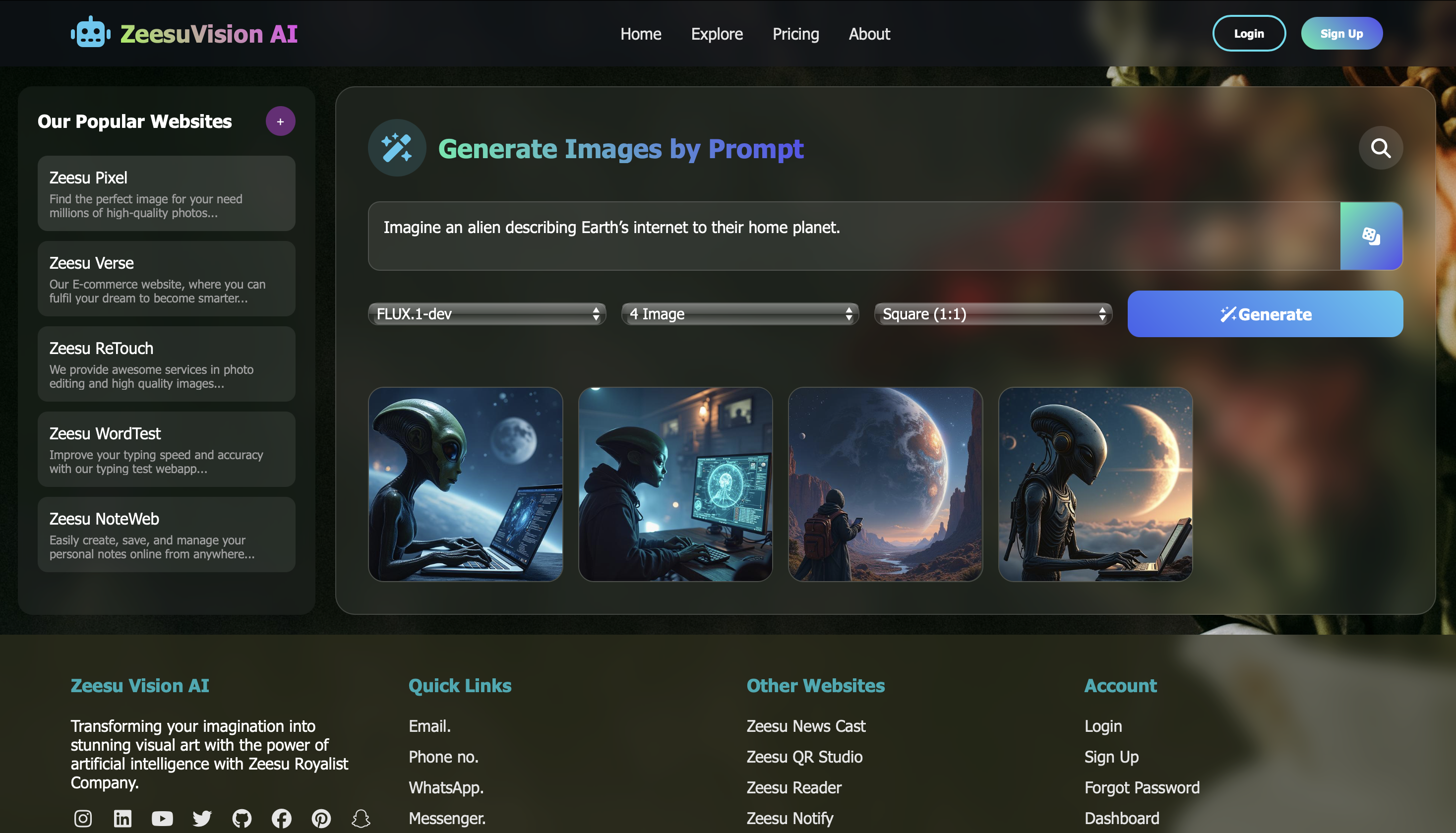
Introducing ZeesuVision AI - a powerful image generation platform where you can
create stunning visuals
simply by typing your imagination into a prompt. From concept art to logos, posters, and digital
illustrations,
ZeesuVision AI transforms your ideas into reality in seconds.
- Step 1: Open ZeesuVision AI: Navigate to the ZeesuVision AI website.
- Step 2: Enter Your Prompt: Type a detailed description of the image you want to
generate (e.g., "A futuristic city at sunset in cyberpunk style").
- Step 3: Customize Settings: Adjust resolution, art style, or color tone (if
available) for more control over the final output.
- Step 4: Generate Images: Click the generate button and wait a few seconds while
the AI creates your image.
- Step 5: Preview & Download: View the generated results, choose your favorite,
and download it instantly.
- Step 6: Iterate & Refine: Modify your prompt or try variations to refine the
visuals until they match your vision.